
Order easily through your B2B account
Find the products you need, add them to your cart and proceed through the order details. Before submitting, you will see a summary of the products, company details, delivery, payment method and total value.
Your order in 4 steps
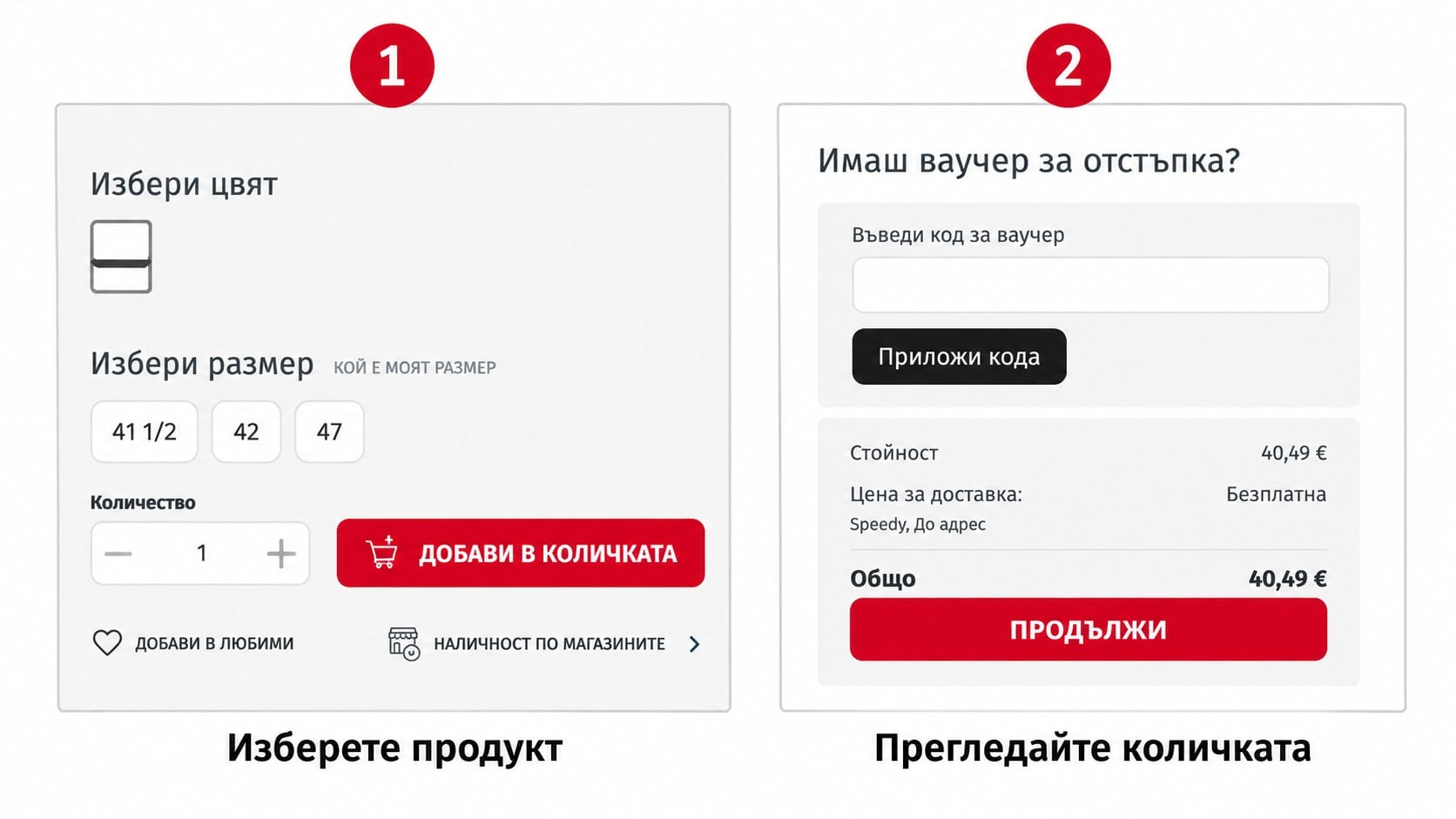
Choose an available colour and size, enter the quantity and add the product to your cart.
Check the sizes, quantities and prices. Adjust the quantity or remove a product if needed.
Check the contact and company details, then select the address, delivery method and payment method.
Review the summary, accept the terms and only then submit the order.
Find the right products
You can start from the main navigation, the current B2B offers on the homepage or directly from the search bar. Use the filters in product listings to narrow down your selection.
- Browse by Men, Women, Kids, Sports, Brands and Fitness.
- Check the current offers under Promotions and OUTLET.
- The homepage also features specialised B2B offers for team sports, outdoor, swimming and rental.
- Filter by category, brand, size, price and other available attributes.
1. Select a product
Open the product page to view the description, available options, item number and the price for your B2B account.
- Choose an available colour and size when the product has options.
- Enter the required quantity.
- Select “Add to cart”.
- Continue with other products or open the cart from the icon at the top of the page.
2. Review your cart
The cart shows the added products, selected size, quantity, unit price and total value.
- Increase or decrease the quantity if needed.
- Remove a product you do not wish to order.
- Carefully check the options and quantities.
- Select “Continue to delivery details”.
3. Confirm the details, delivery and payment
On the “Order details” screen, review the information that will be used to process your order.
- Check the contact details.
- Confirm the company details for the invoice or enter them if they are missing.
- Select a saved delivery address or add a new one.
- Choose one of the delivery options available for the order.
- Choose payment by postal money order or bank transfer and save the payment method.
4. Complete a final review
The final screen brings together the products, company details, delivery, payment and total value.
- Check the products, sizes and quantities.
- Check the invoice and delivery details.
- Review the payment method and final value.
- Read and accept the terms.
- Select “Place order” only when everything is correct.
After submitting the order
In the “My orders” section of your account, you can track the status, payment method and details of each order. You can also use the “Order again” action when needed.
